
Badges for HivePress
Reward achievements. Build trust. Grow your marketplace.
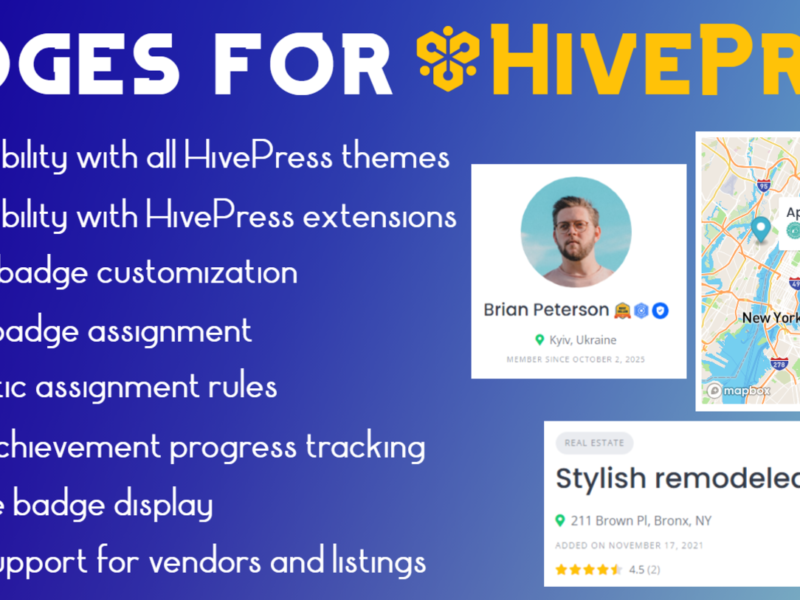
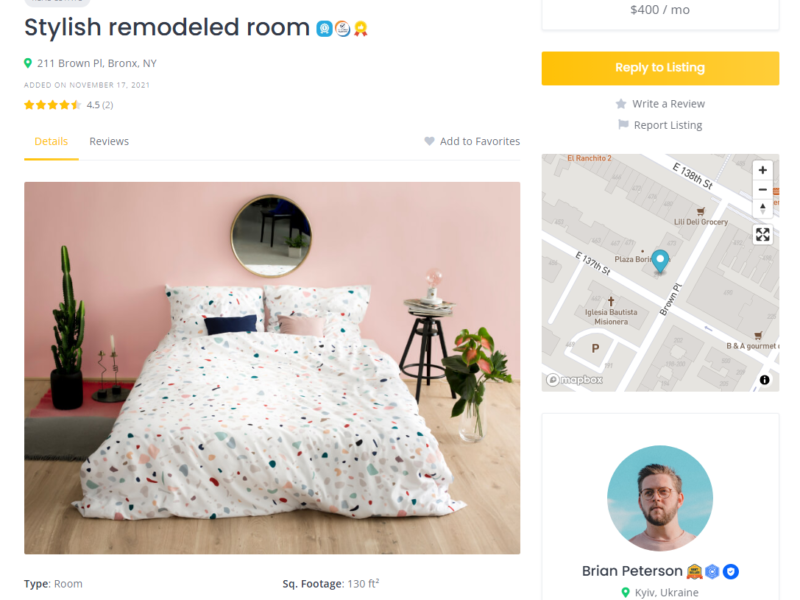
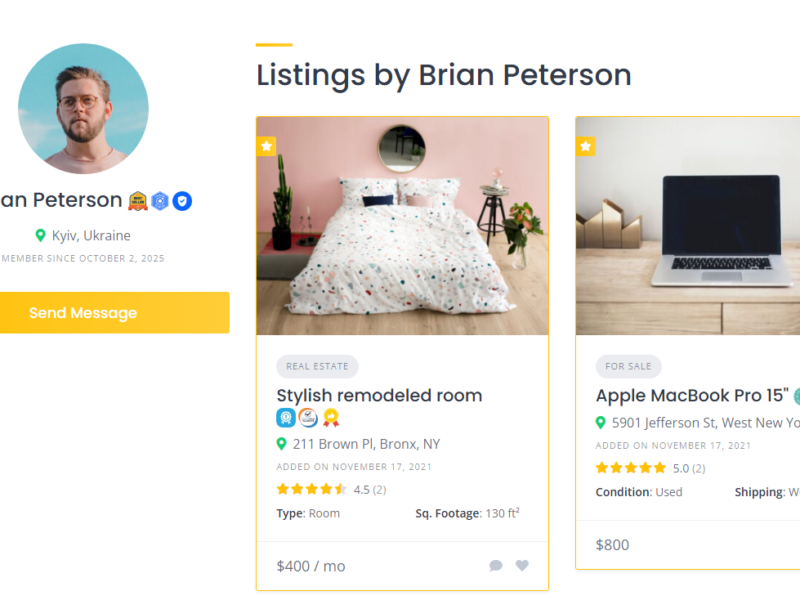
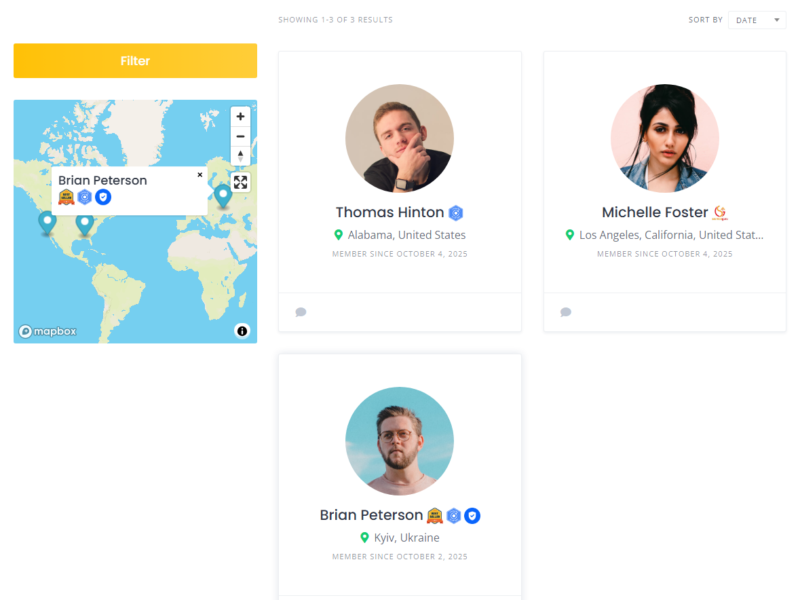
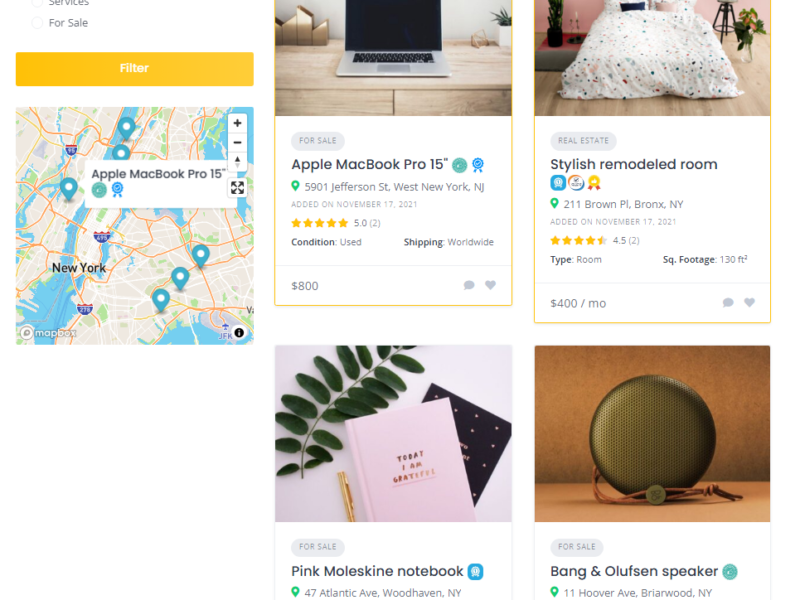
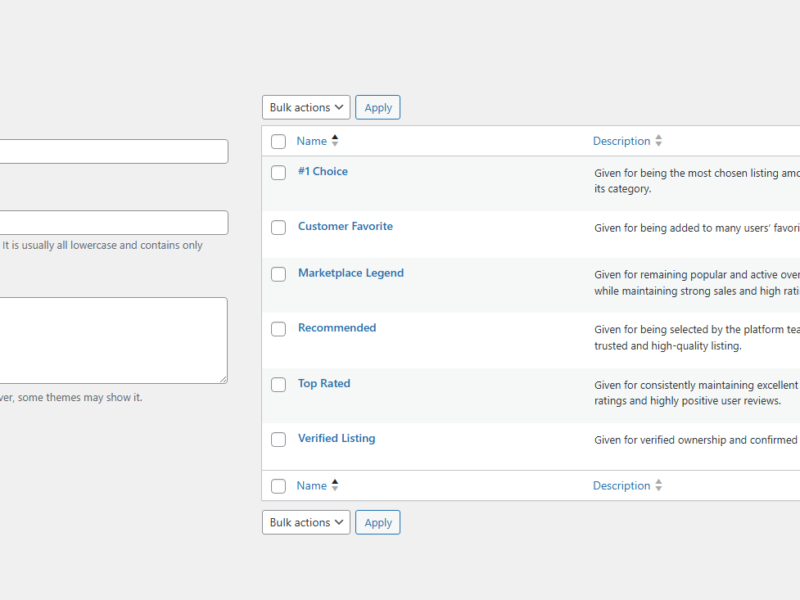
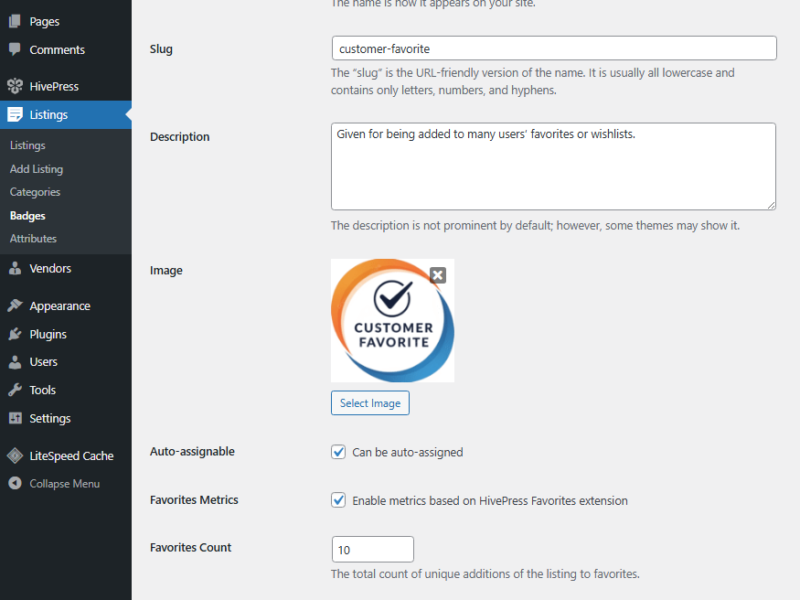
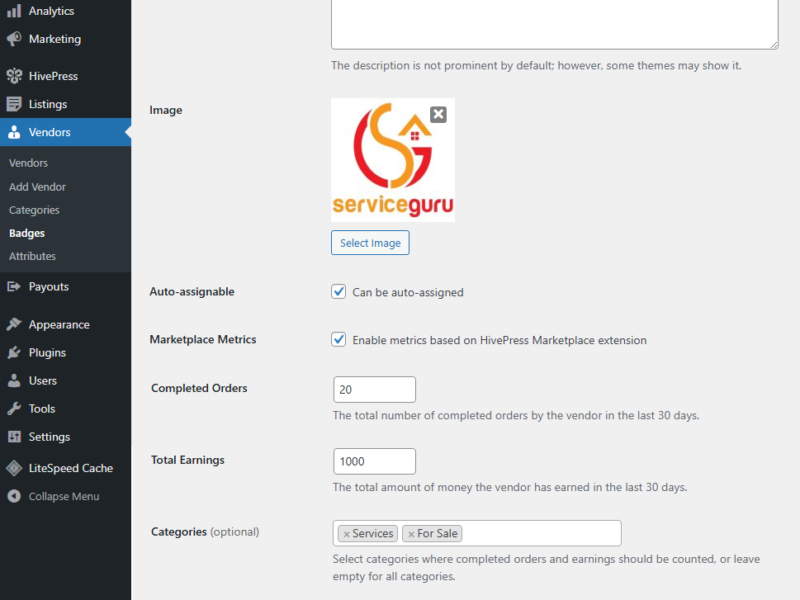
Create custom badges and automatically reward vendors and listings based on real marketplace activity. Recognize milestones, motivate your users, and make achievements visible at a glance.
Features
Vendor Badges
Create badges for vendors and reward them for their achievements and activity.
Listing Badges
Highlight listings with custom badges based on their performance and engagement.
Metric-Based Rules
Use meaningful metrics like earnings, orders, reviews, ratings, and favorites.
Automatic Assignment
Set rules and let the plugin automatically assign badges when conditions are met.
Manual Management
Assign or remove badges manually directly from your WordPress dashboard.
Email Notifications
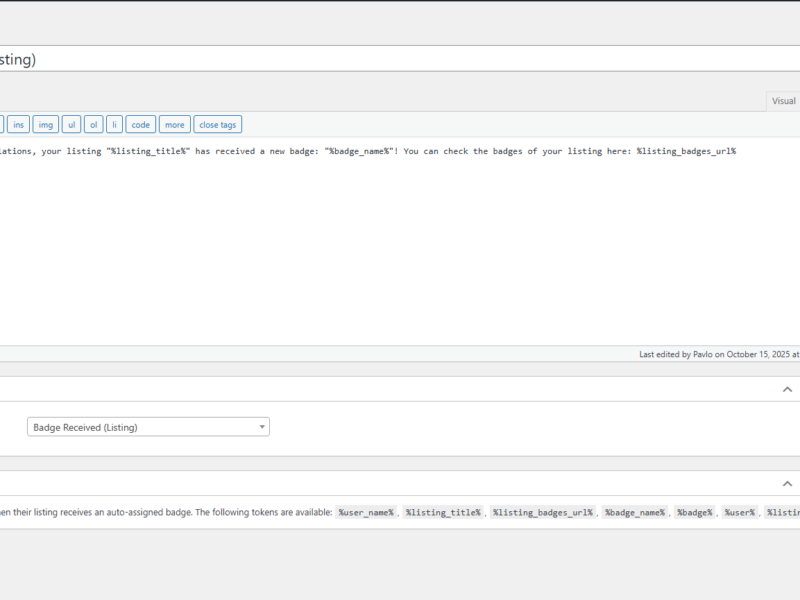
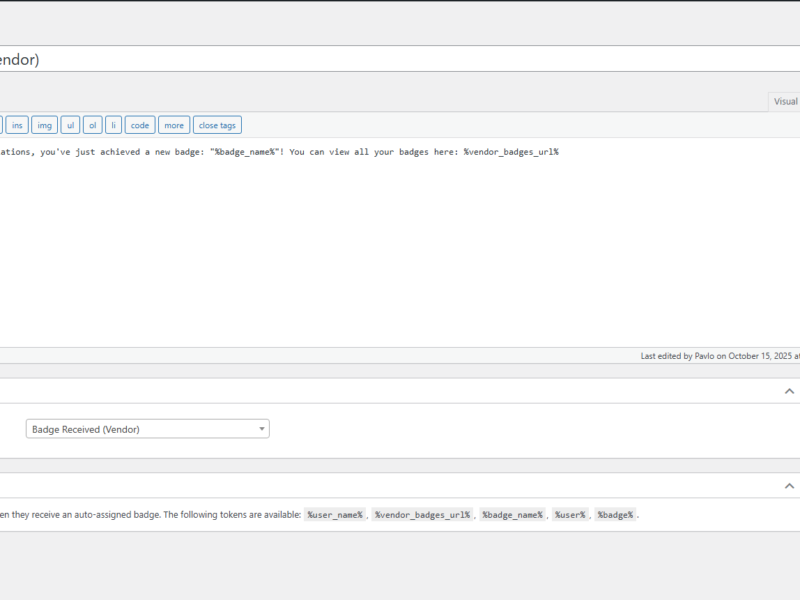
Notify vendors or listing owners when they receive a new badge.
FAQ
What is Badges for HivePress?
Badges for HivePress is an extension for HivePress eco-system that allows you to create custom badges and automatically award them to vendors or listings based on configurable criteria.
Can I customize how badges look on the frontend?
Yes. The plugin provides flexible display settings and supports both pre-defined icons and custom images. If you are familiar with CSS, you can further customize the appearance to match your needs using the provided CSS classes.
What happens if a badge is deleted?
If an existing badge is deleted, all vendors or listings that have it will lose the badge, and it will no longer be available to earn.
How does automatic badge assignment work?
The system checks vendors and listings once a day to determine whether they meet the criteria for any badges they have not yet received.
What happens if a vendor or listing no longer meets the badge criteria?
The badge will not be removed. The system only checks eligibility for badges that have not yet been awarded.
What happens if I deactivate a HivePress extension used by a badge?
Criteria and features provided by that extension are no longer available until the extension is enabled again.
Are email notifications supported?
Yes. The plugin can send email notifications when a badge is awarded to a vendor or a listing.
Will more integrations and criteria be added?
Additional HivePress integrations, criteria, and badge features are planned for future updates.
Instructions
1. Download the plugin
Download the plugin ZIP file from the marketplace where you purchased it.
2. Install and activate
Go to Plugins > Add New > Upload Plugin, upload the ZIP file, then activate the plugin.
3. Configure badges
Configure and create listing badges via Listings > Badges or vendor badges via Vendors > Badges.
4. Assign badges
Configure metrics for automatic badge assignment or manually assign badges on listing and vendor edit pages.