
Social Sharing for HivePress New
Add social sharing buttons to listings, vendors, and requests, making it easy for users to share marketplace content across popular platforms.
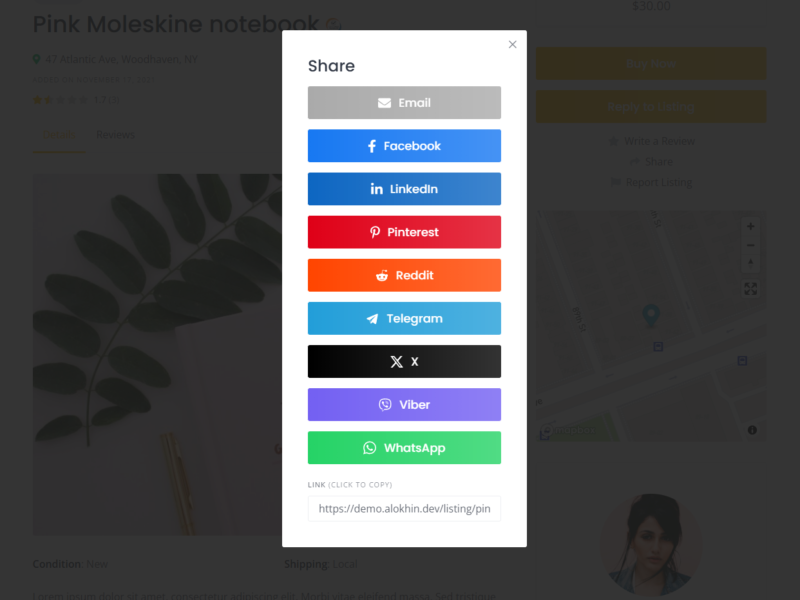
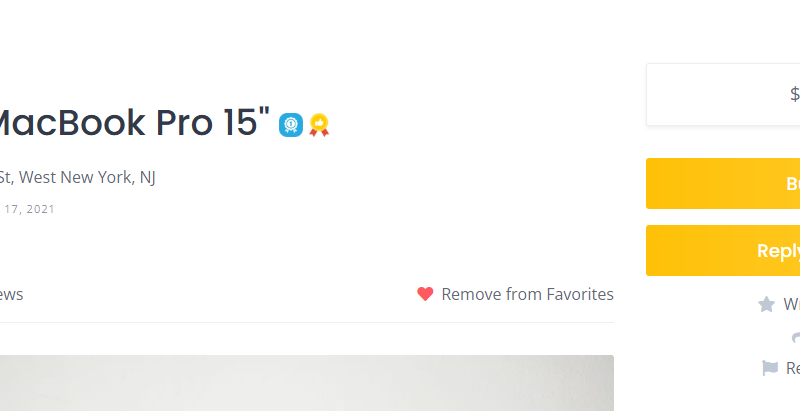

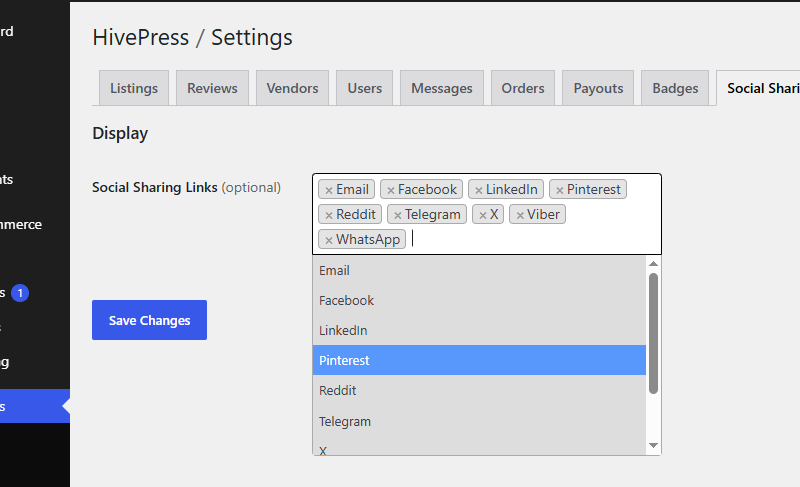
Make your HivePress marketplace easier to share with Social Sharing for HivePress. Add customizable sharing buttons to your listings, vendors, and requests, allowing users to quickly share content on their favorite social platforms.
Choose which sharing services to display and configure where the buttons appear. The extension provides a simple way to increase the reach of your marketplace content without adding unnecessary complexity.
Features
Social Sharing
Let users quickly share marketplace content with others.
Content Sharing
Add sharing buttons to listing/vendor/request pages and help users spread the word.
Flexible Configuration
Choose which social platforms and sharing options are available.
Mobile Friendly
Keep sharing buttons accessible and usable across different screen sizes.
FAQ
What is Social Sharing for HivePress?
It is a HivePress extension that adds social sharing buttons to marketplace content, allowing users to share listings, vendors, and requests.
Which social platforms are supported?
The extension supports popular platforms including Facebook, LinkedIn, Pinterest, Reddit, Telegram, X (Twitter), Viber, and WhatsApp, as well as email sharing.
Can I choose which platforms are displayed?
Yes. You can enable or disable individual sharing options according to your marketplace needs.
Where sharing buttons be displayed?
Sharing buttons will be added to supported HivePress content, including listings, vendor profiles, and requests.
Do users need to create an account on the social platform to share content?
This depends on the platform. The extension uses each service’s standard sharing mechanism, so users can follow the platform’s normal sharing flow.
Is the extension mobile friendly?
Yes. The sharing buttons are designed to work across desktop and mobile devices.
Can I customize the appearance of the sharing buttons?
Yes. The extension provides CSS classes that can be used to customize the appearance and match your website’s design.
Changelog
September 12, 2026 – Version 1.0.0
Initial release
Make Your Marketplace Easier to Share
Let your users share listings, vendors, and requests with their networks and help your marketplace reach more people.