
Tiers for HivePress
Create vendor tiers and reward marketplace progression based on real performance metrics.
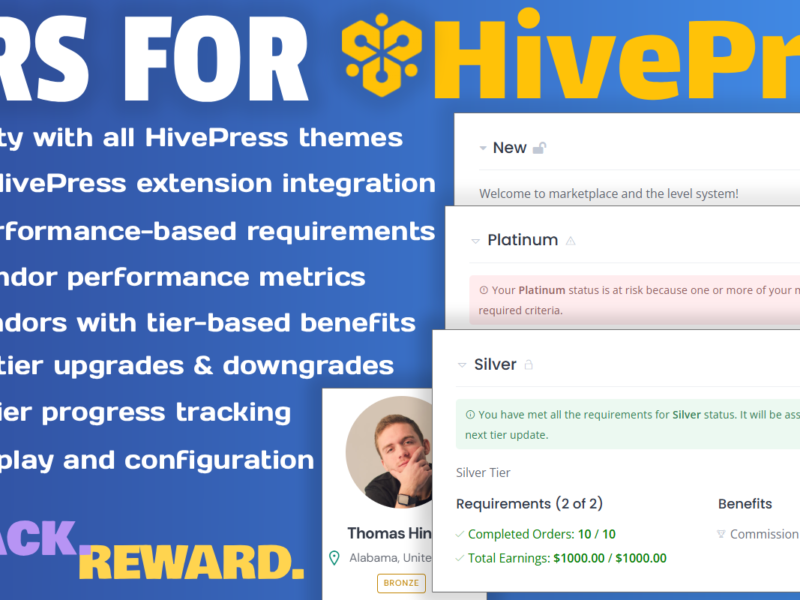

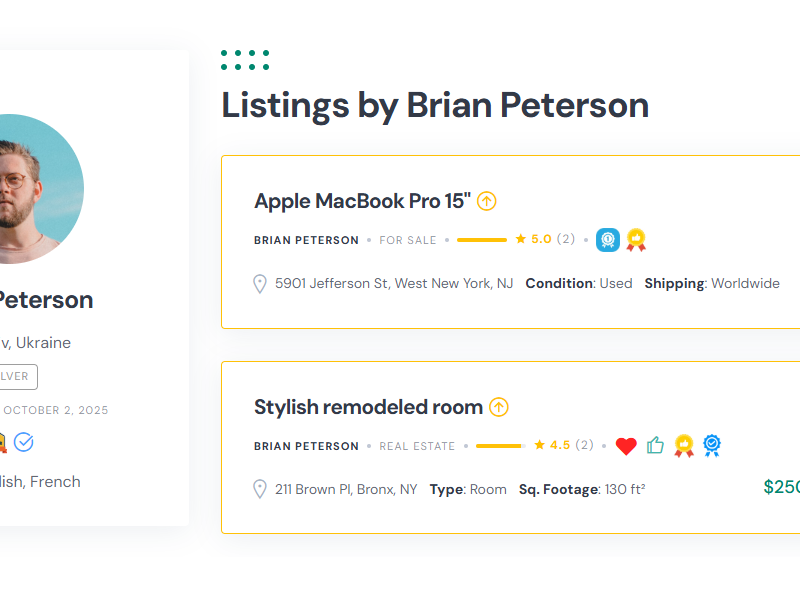
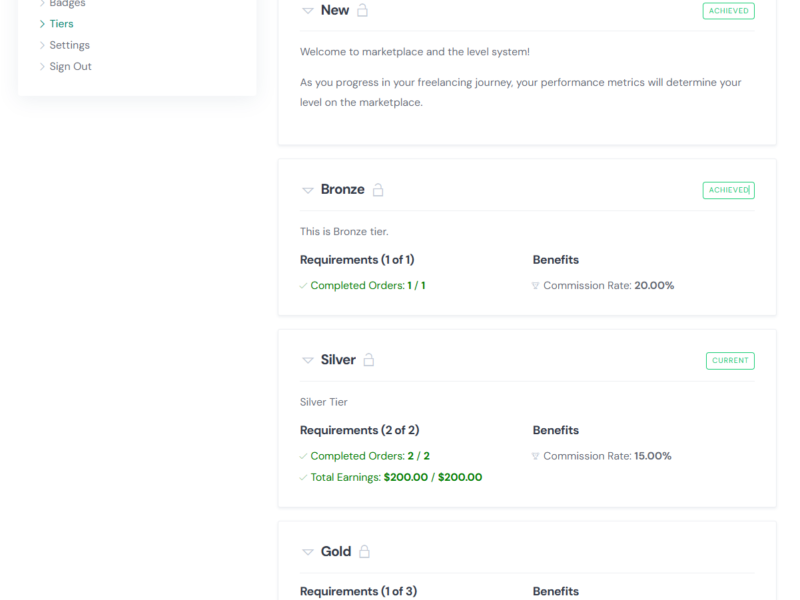
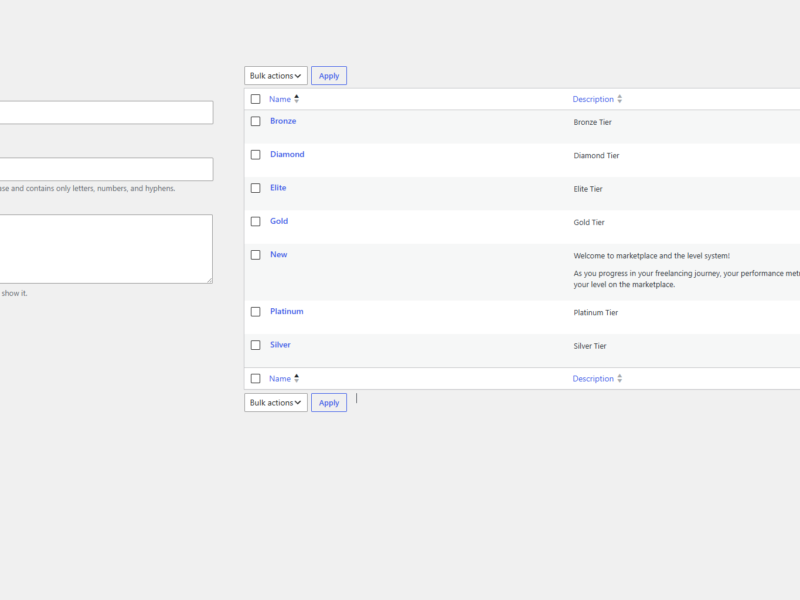
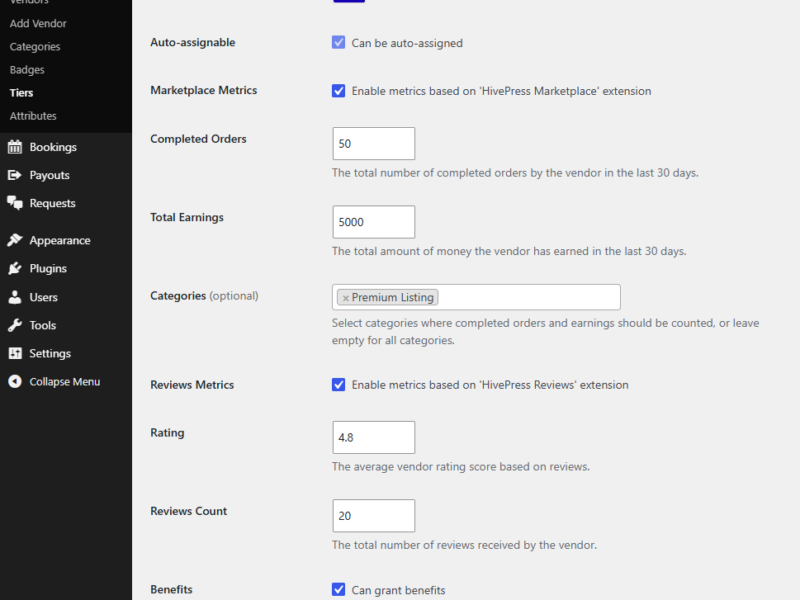
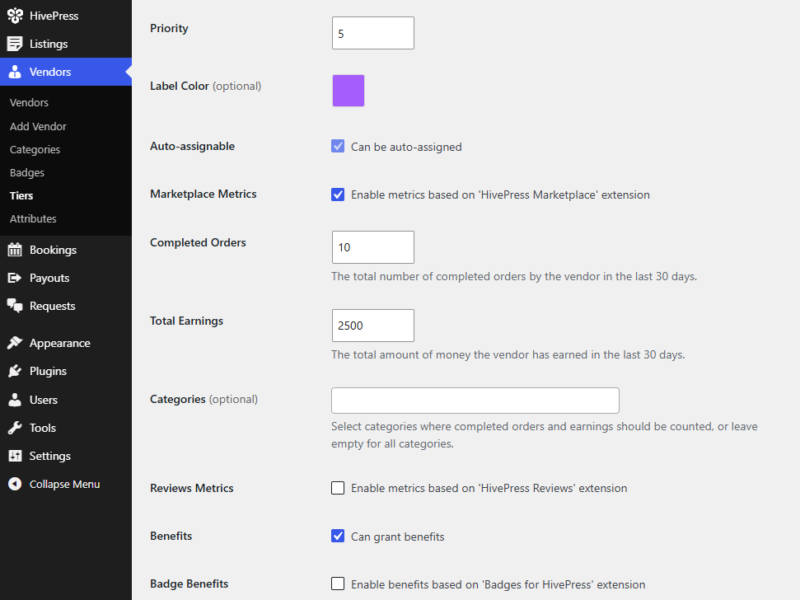
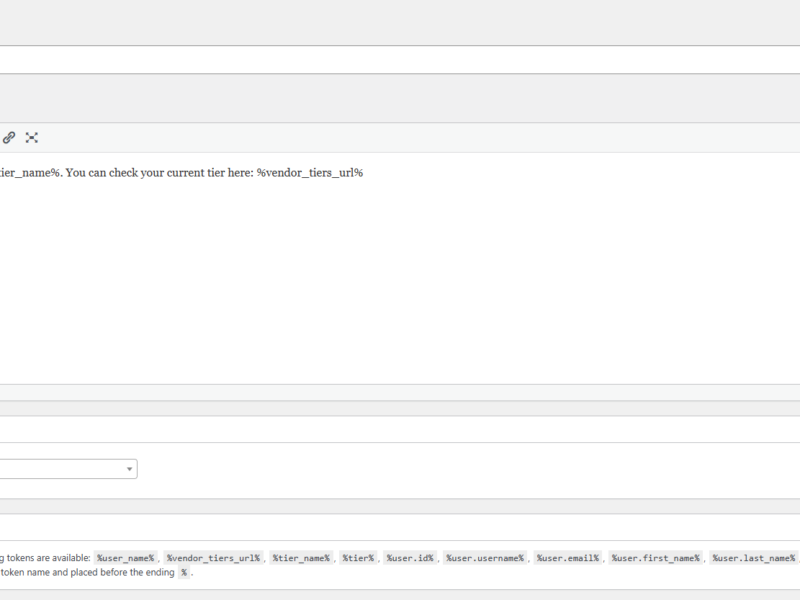
Add a powerful vendor tier system to your HivePress marketplace. Automatically assign tiers based on earnings, orders, reviews, ratings and other metrics. Give your vendors a reason to grow and stay active.
Features
Vendor Tiers
Create unlimited vendor tiers and define clear progression paths for your marketplace.
Metric-Based Rules
Use earnings, completed orders, reviews, ratings and more to set tier requirements.
Automatic Assignment
Vendors are automatically moved to the right tier when they meet requirements.
Custom Benefits
Offer different benefits for each tier: badges, commission rated, fees and more.
FAQ
What is Tiers for HivePress?
Tiers for HivePress is a vendor tier and leveling plugin that lets you create performance-based vendor levels with custom requirements and benefits.
What happens to existing vendors after I install the plugin?
Existing vendors are evaluated using your current tier settings, so you can introduce tiers without requiring vendors to start from scratch.
What happens if I deactivate an integrated HivePress extension?
Metrics and benefits provided by that extension are no longer available for tier calculations or assignments until the extension is enabled again.
What happens if a vendor no longer meets their tier requirements?
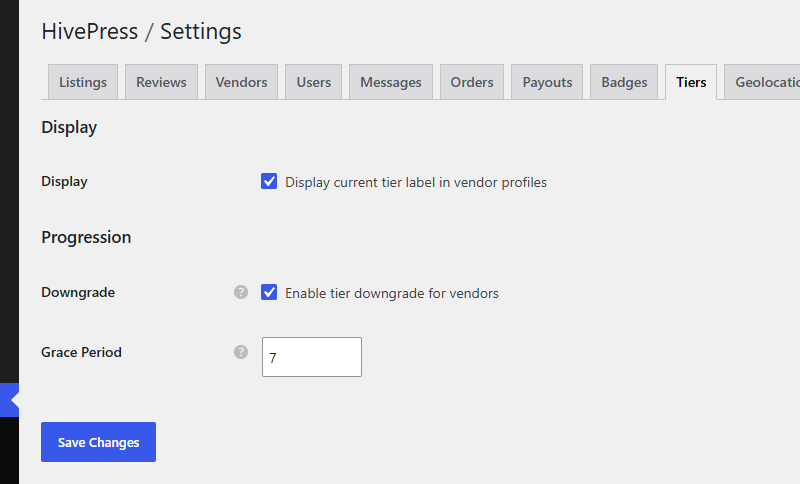
If downgrades are enabled, the vendor’s tier can become at risk. A configurable grace period can give the vendor time to recover their performance before the downgrade takes effect.
What happens if I delete an existing tier?
The vendor’s current tier will be reset, and they will progress again toward the next tier they qualify for based on the current requirements.
What happens when I change tier requirements?
Vendors are automatically re-evaluated based on the updated requirements.
How often are vendors checked for tier eligibility?
Vendor eligibility is checked once a day. Only active vendors are evaluated.
Will more integrations, metrics, and benefits be added in the future?
Additional HivePress integrations, metrics, and tier benefits are planned for future updates.
Instructions
1. Download the plugin
Download the plugin ZIP file from the marketplace where you purchased it.
2. Install and activate
Go to Plugins > Add New > Upload Plugin, upload the ZIP file, then activate the plugin.
3. Create tiers
Create and configure vendor tiers via Vendors > Tiers.
4. Set up tier options
Define the features, limits, and benefits available for each vendor tier according to your needs.